The email is tied to banking, shopping, crypto, tax, or credit accounts.
Scammer Has Your Email? Here's What Can Happen Next
Your email is more than a contact detail. It can be matched against old breaches, used in password-reset flows, and targeted with follow-up scams that look more convincing.
ScamClarity may earn a commission from Coveron links on this page.
Warning signs
These signs mean a password change may not be enough.
If you clicked a suspicious login link, entered a password, or see any of these signs, secure the account now and start watching for what may surface later.
You reuse that email and password combination anywhere important.
You are getting reset codes, login alerts, or more scam messages.
What this can turn into
What scammers try after getting your email.
An email address is often the starting point. The real risk is what it connects to: old leaked passwords, account recovery, financial accounts, and follow-up messages that look more believable.
Breach matching
Scammers can search leaked credential lists by email address and test old or reused passwords against accounts that matter.
Account reset pressure
Your inbox is the doorway for password resets. If someone controls or tricks your email, other accounts can become easier targets.
Targeted phishing
Once your email is confirmed, follow-up messages can look like banks, delivery companies, stores, security teams, or fake recovery agents.
Why Coveron helps here
Fix passwords now. Coveron watches what's next.
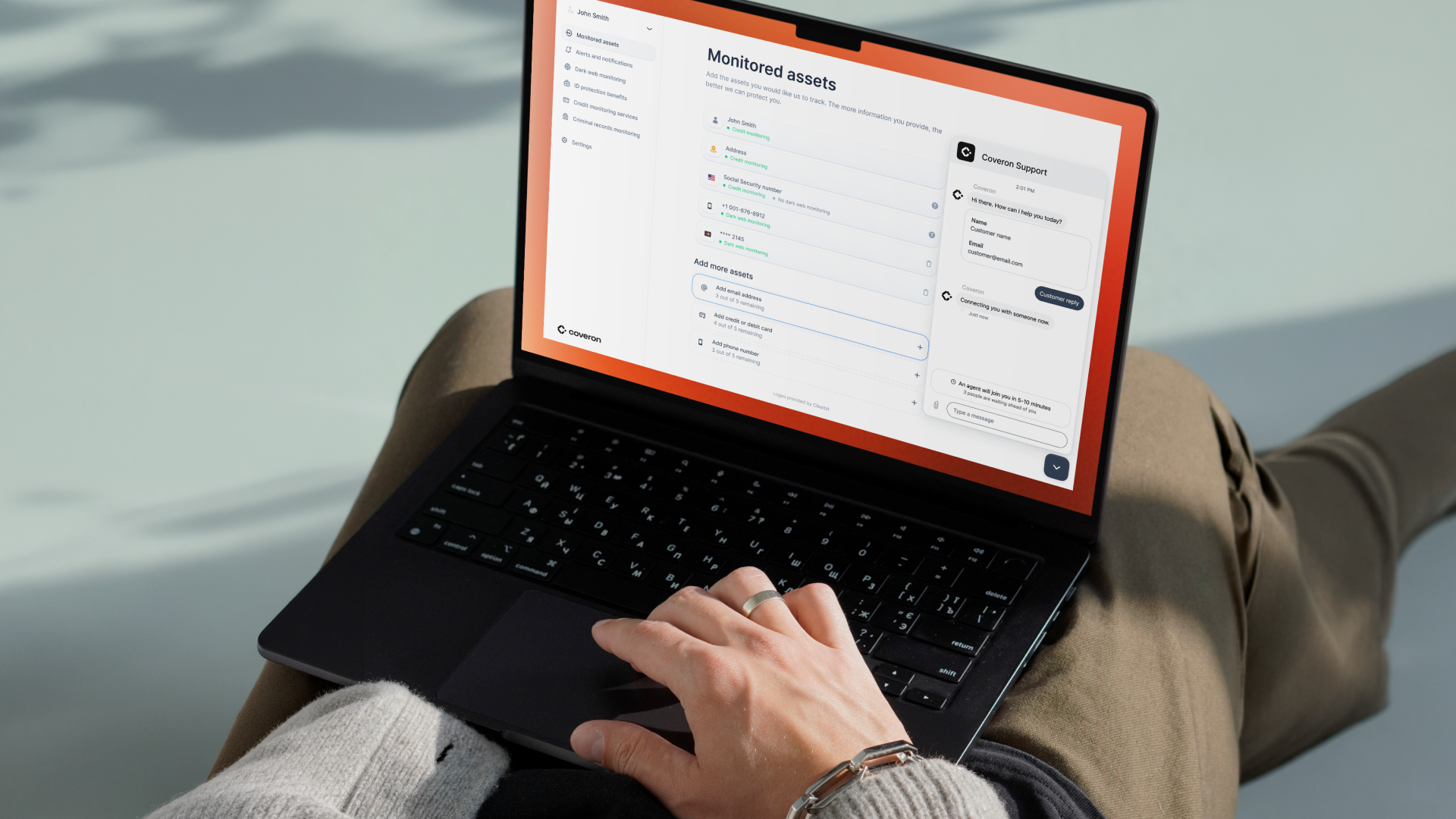
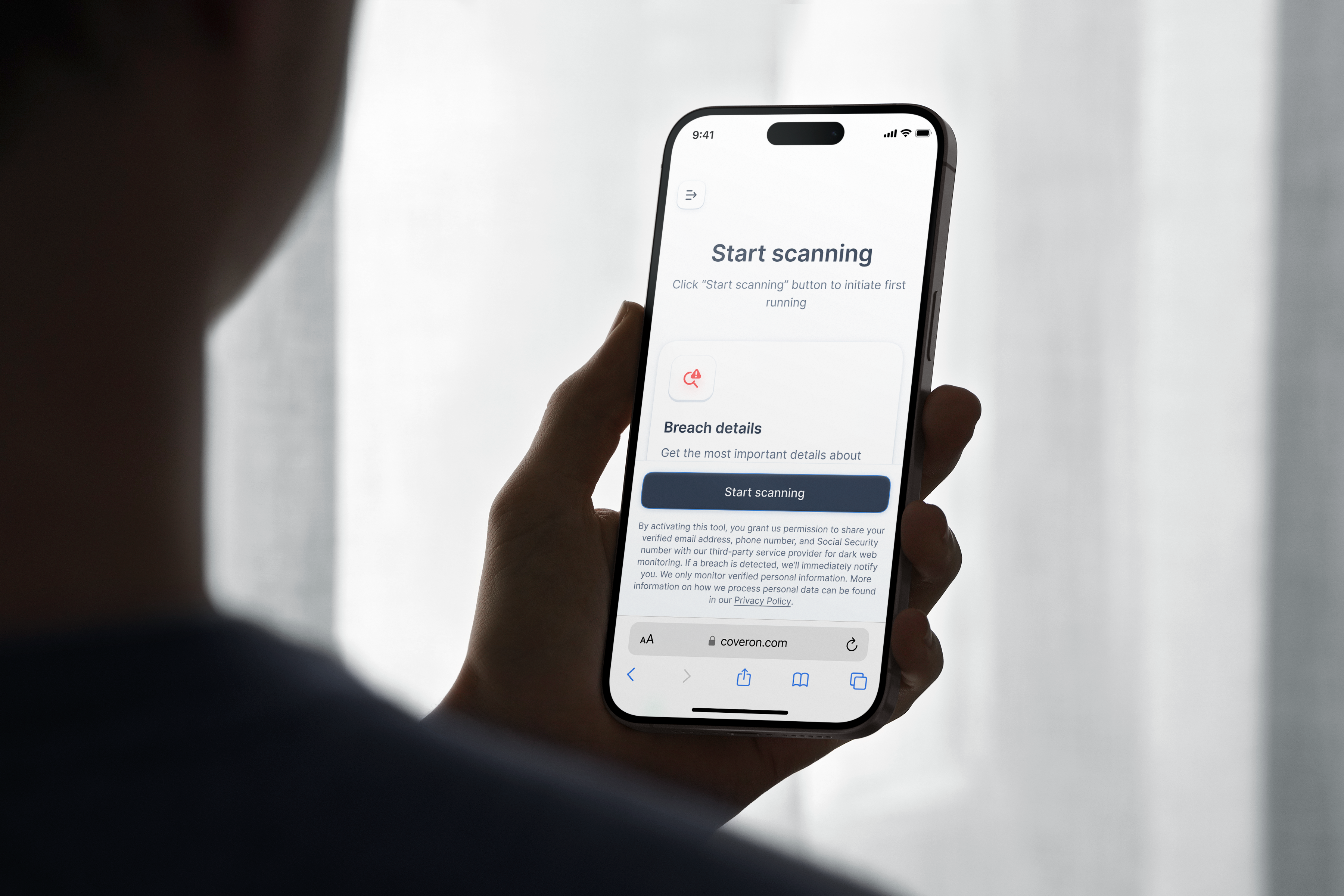
Coveron is the next step when an exposed email could connect to passwords, breach records, identity use, or credit activity. It adds dark web monitoring, credit monitoring, identity theft recovery support, and online fraud protection benefits so you are not just waiting for a stranger login or credit alert.
Dark web exposure alerts
Suspicious credit activity warnings
Identity recovery support
Online fraud and cyber extortion benefits
What to do now
Lock the account. Monitor the aftermath.
These steps reduce the immediate account risk. Coveron handles the part you cannot manually watch after the urgent fixes are done.
1
Change the exposed or possibly reused password now.
2
Change that password anywhere else you reused it.
3
Turn on two-factor authentication for email, banking, shopping, and social accounts.
4
Review recovery settings and start monitoring for new warning signs.
Why waiting fails
The quiet period is the dangerous part
After personal information is exposed, the first few hours can look calm. The harder part is watching for signals that appear later: a breach match, an account attempt, a credit application, or an identity check you never started.
You cannot manually check everything
Breaches, credit files, and identity signals sit across different systems and can be easy to miss when you are already stressed.
Misuse can appear later
What feels quiet today can show up weeks later as a reset attempt, inquiry, or unfamiliar account notice.
Alerts reduce the guessing
Timely signals help you respond while the trail is still fresh instead of discovering problems by accident.
Coveron monitoring
Coveron watches the signals you cannot check manually
You can change passwords and lock down accounts yourself. What you cannot do manually is keep checking dark web leaks, credit activity, identity signals, and recovery needs across different systems.
Signals after the account fixes
Changing passwords helps now. Monitoring helps after that, when leaked-data matches, identity alerts, or credit activity may appear later.
A clearer next step than waiting
Instead of hoping nothing happens, Coveron gives you a place to watch for warning signs and respond if the exposure starts moving.
Common questions
Can someone take over my accounts with just my email?+
Usually not with only your email address. Risk rises when the email is paired with a password, a clicked login link, reused credentials, account recovery access, or other personal information.
Should I change my password if a scammer has my email?+
Change it if you shared the password, reused it anywhere, clicked a suspicious login link, or see unusual account activity. Also turn on two-factor authentication.
Why use Coveron instead of only changing passwords?+
Password changes handle direct account risk. Coveron adds monitoring for dark web, credit, and identity signals that may show up after the exposure.
Should I keep talking to the scammer?+
No. Stop replying, save evidence, and move to account and security steps.
Should I pay someone who says they can fix this?+
Be careful. Follow-up recovery offers are often scams, especially after financial, crypto, gift card, or wire-transfer scams.
Does Coveron prevent every scam or identity theft attempt?+
No service can prevent every scam, account attempt, or identity-theft event. Coveron is useful because it adds monitoring, alerts, and recovery support while you handle direct account security steps.
Take the monitoring step now
Do not wait for the first strange login or credit alert.
Start Monitoring With CoveronScamClarity may earn a commission from Coveron links on this page.